Spline Toolkit
A procedural generation tool to make infrastructure along splines.
Image credit: Patrick Vreeburg
My contributions
Overview
The first block of my third year at BUas consisted of making a tool for Unreal Engine to solve a problem. In our case the problem was that no free spline-based PCG tools were available that were focused on infrastructure. Since we both like trains, we focused our tool on making rail networks.
In the end we made a tool that can both instantiate and extrude models along the USplineComponent. A couple screenshots of the demo:
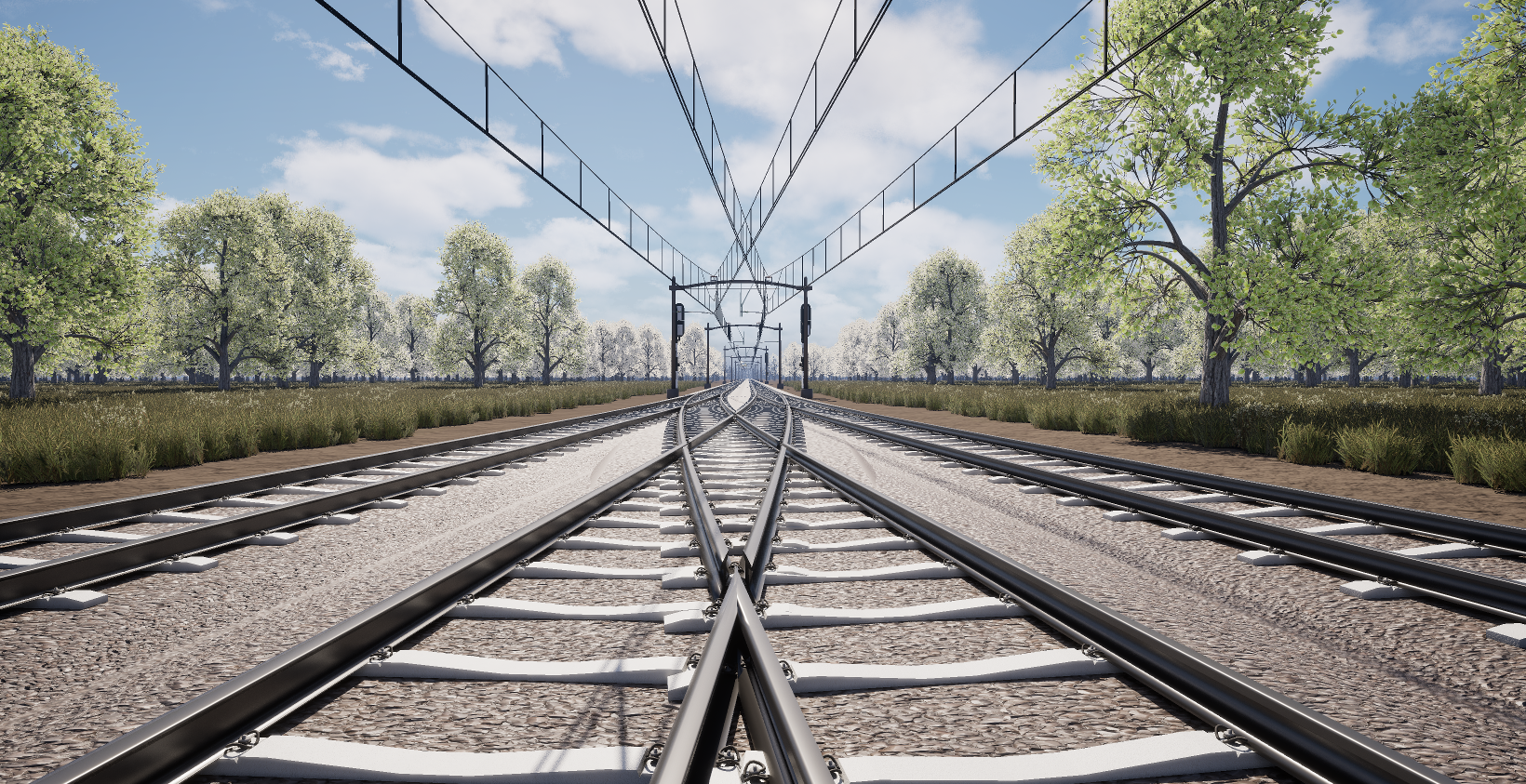
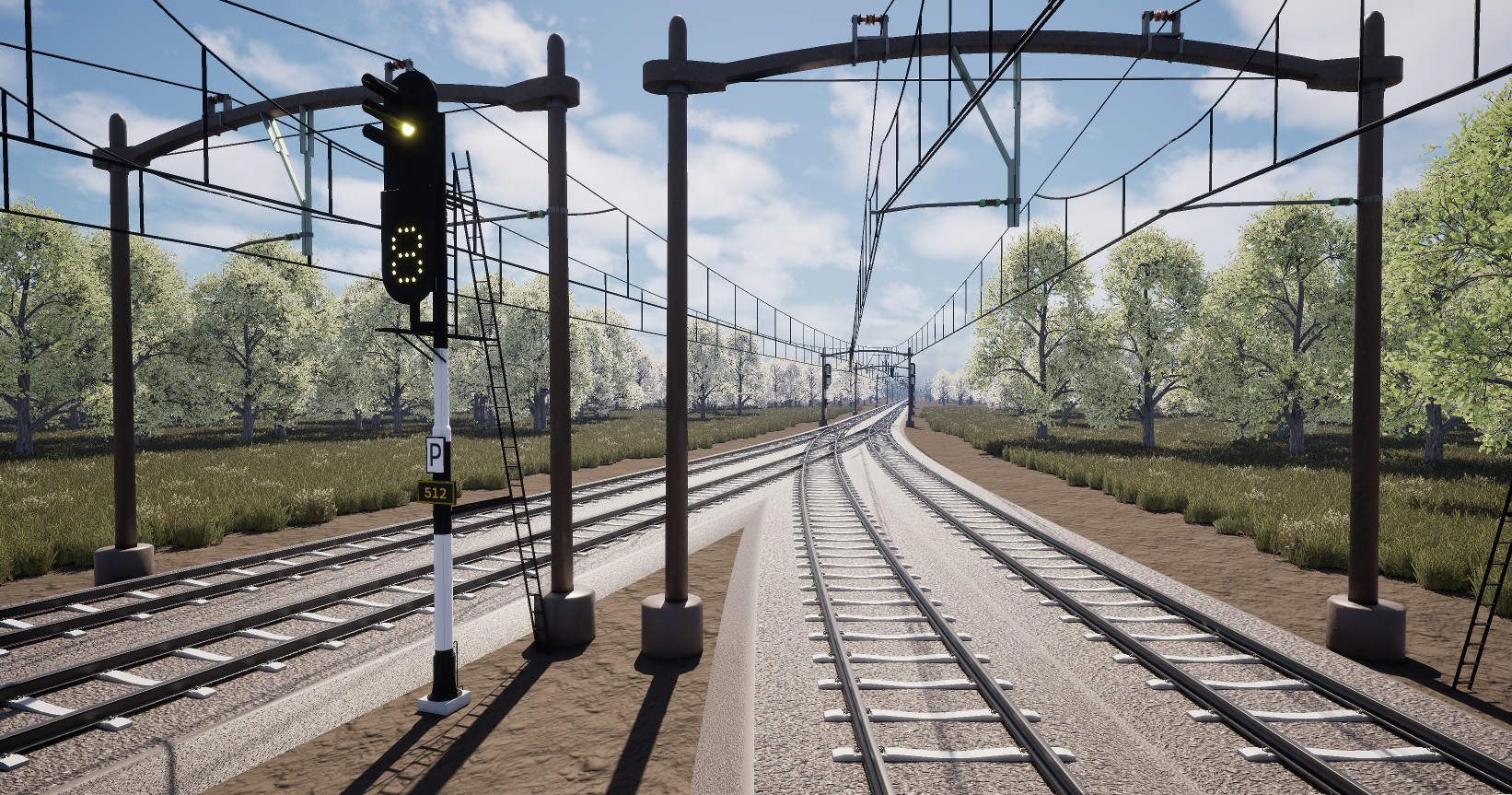
Model credits: Patrick Vreeburg, Quillan Wielhouwer, Tushar Chitan, Multiple Sketchfab users
In depth
Spline extruder
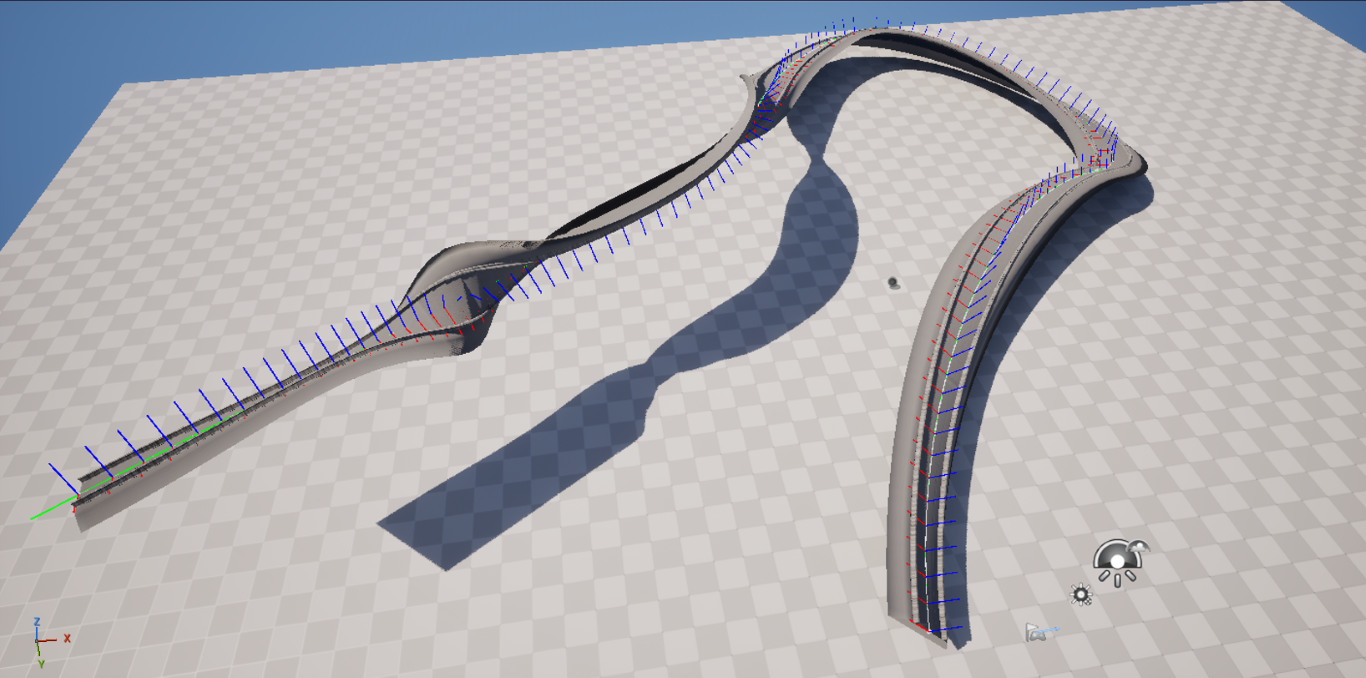
Since the up-vectors of a spline in Unreal are not per se accurate I implemented an RMF sampler based on the paper from Wang et al..
To apply this to the spline I first input a model that has a slice of vertices at the origin XZ plane. I then in the code extract those vertices and reorder them to be in a loop. Finally, I instantiate one of those loops for each RMF sample and connect them to each other to form a mesh.
Intersection solver
Each time the spline is updated, an intersection solver determines where the splines intersect and give an area back. The midpoint of the intersection is the point where the two splines should be completely overlapping.
The solver first prunes all splines and segments that don’t overlap through simple AABB checks. Then, it takes a pre-determined amount of samples along the spline. When the distance between the two points is smaller than two times the size of the tested model, that sample is included in the range. Eventually when all samples have been checked, all intersecting samples get merged into areas. The midpoint can then be calculated with the following weight function:
where
Intersection filling
To fill in the intersected areas I first determine all points where the rules overlap. I do this in the same way as the spline-based intersection algorithm.
Then, the user can add connection rules. These rules hold the mesh that they belong to, where it should start, where it should end and how the tangent should be overridden. Tangents can either be unaffected, facing the other spline or facing halfway to any other rule that starts/ends at the same point.
Finally, the tool creates new USplineComponent instances that follow the rules that the user configured. For this, I take a sub-spline, which can easily be calculated using positions and tangents only. Below is a visualisation in which you can play around with it a little.
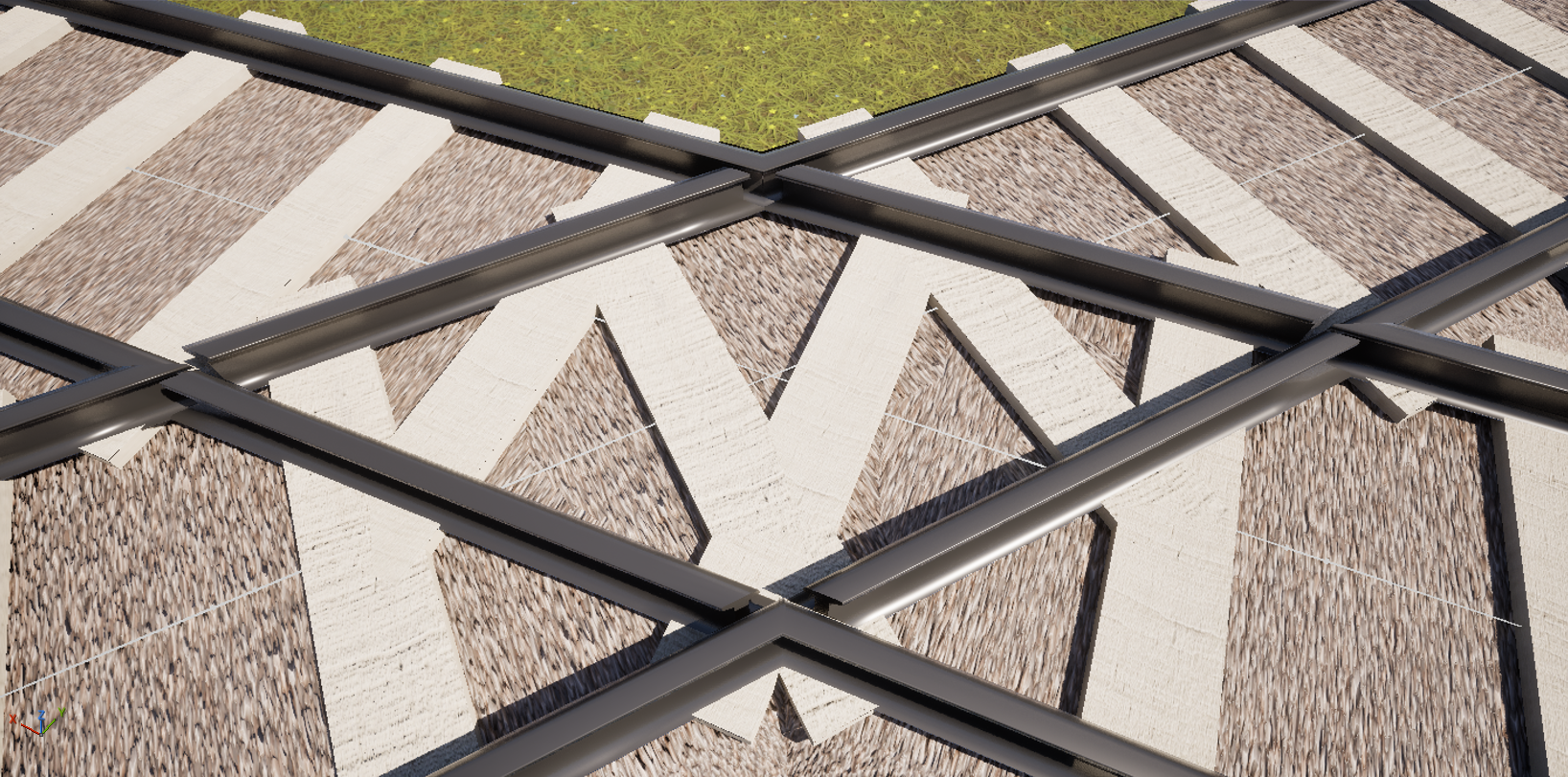
In the image below I combined everything I worked on to make a railway crossing. A more sophisticated demo scene can be found on the GitHub repo.
Team
2
Editor Tools & Instantiation
Extrusion & Intersection
Patrick Vreeburg